PdfCraft: free alternative to Adobe Acrobat — online / desktop
The official build's features are real (it can open and render PDFs, 16 feature entries), but Chinese text shows as tofu blocks in the official package; our self-hosted online build has the CJK font fix and is ready to use. Good for daily reading/merging/annotating; for serious deliverables (XFA forms, Preflight) it's still not enough.
| Replaces | Adobe Acrobat |
|---|---|
| License | Apache-2.0 (commercial use OK) |
| Runs on | online / desktop |
| Chinese UI | yes |
| Where files go | On your device (not uploaded) |
| Cost | All features free; no subscription, no account (open source) |
| Hands-on test | 2026-10-21 · v0.10.1 |
Hands-on test (2026-10-21, v0.10.1)
- The web build launches with zero install and enters the full workbench: feature column on the left + document area in the center + tool strip on the right + search box at the top (Ctrl+K)
- Verified opening a real PDF: loaded directly via the ?file= parameter documented in the official docs (relative path ?file=test.pdf); a document tab appeared at the top, page text rendered correctly, and page 1 / 115% zoom / page turning and fullscreen all work
- 16 feature entries verified on the left: read PDF, write PDF, merge, split, annotate (pen/highlight/text box/stamp/signature), tables, forms, OCR, encrypt, sign, accessibility check, etc.
- The official release's Chinese UI showed tofu blocks (tested 10-21); root cause: the web package ships no CJK fonts, unrelated to browser/language settings
- Our self-hosted online build received a CJK font patch on 2026-11-03; the UI's Chinese renders normally; the official original package is still unfixed (on the official roadmap)
- The wasm's bundled fonts are only Ubuntu-Light + NotoEmoji-Regular, with no CJK fonts; the official Japanese fonts come from an optional craft-fonts repo and are not included in the official release
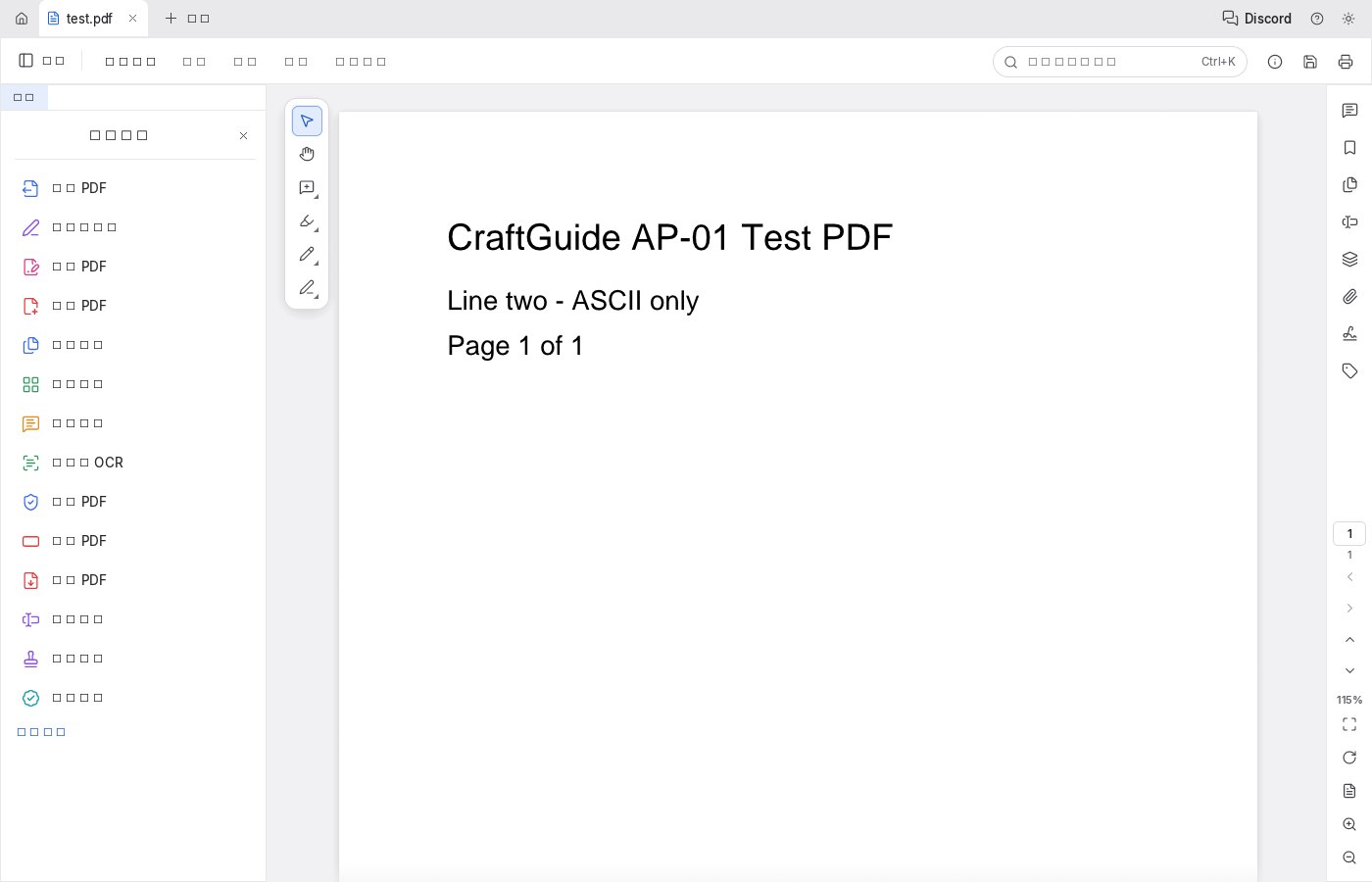
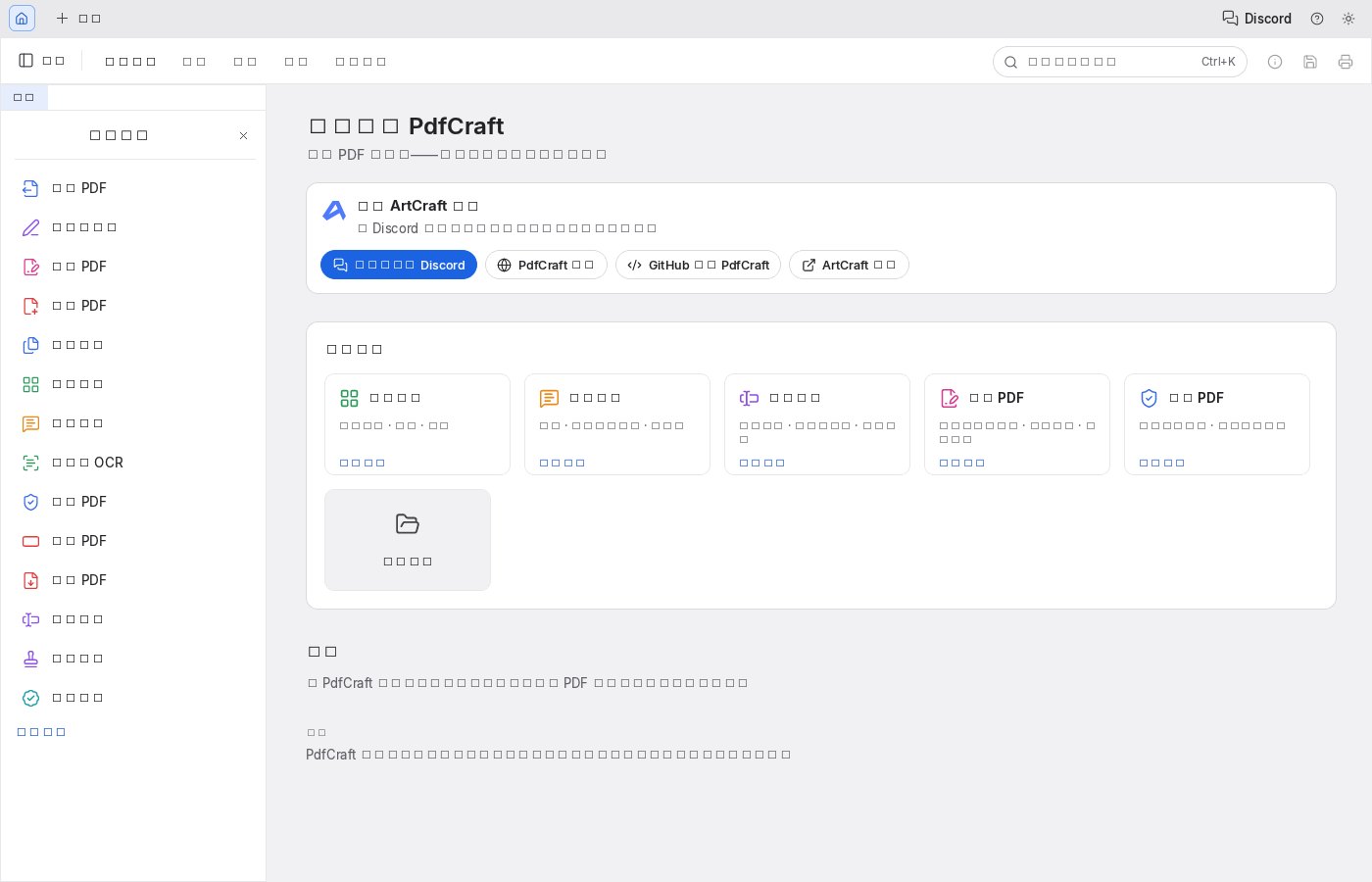
Bottom line: the features are real (open, render, search, annotate, merge/split are all present), but the web build currently has no Chinese UI — for a Chinese directory site this is a hard gap, and it's the first thing to know before using it. Whether the desktop build ships CJK fonts and when the official package will be fixed: no timeline from the official side.
Best for
- Daily PDF reading, merge/split, annotations, form-filling, simple signing and encryption
- People who want a Chinese UI but don't want to install software
- Sensitive-file scenarios where files should stay on your device
Not for
- Scanned-document OCR with high accuracy requirements
- Complex XFA forms, Office document conversion
- Professional Preflight / PDF-X-UA, signature tokens and other serious deliverables
Similar alternatives
How to get started
- Click "Use online" above — it runs in your browser, no signup required.
- Run the full workflow (open → edit → export) on a throwaway file first, to confirm format compatibility.
- Once you accept its limits, migrate your daily workflow; keep the original software as a fallback for critical deliverables.