Home / Office Documents / DeckCraft
DeckCraft: free alternative to Microsoft PowerPoint — online / desktop
Positioned against PowerPoint. Maturity: in development. The loading-stuck issue in the old v0.9.0 was fixed in v0.14.1; we updated to v0.14.1 on 2026-11-03 (uploaded to R2), and our hands-on test confirms it now launches normally.
| Replaces | Microsoft PowerPoint |
|---|---|
| License | Apache-2.0 (commercial use OK) |
| Runs on | online / desktop |
| Chinese UI | no (English UI) |
| Where files go | On your device (not uploaded) |
| Cost | All features free; no subscription, no account (open source) |
| Hands-on test | 2026-10-21 · v0.9.0 |
Hands-on test (2026-10-21, v0.9.0)
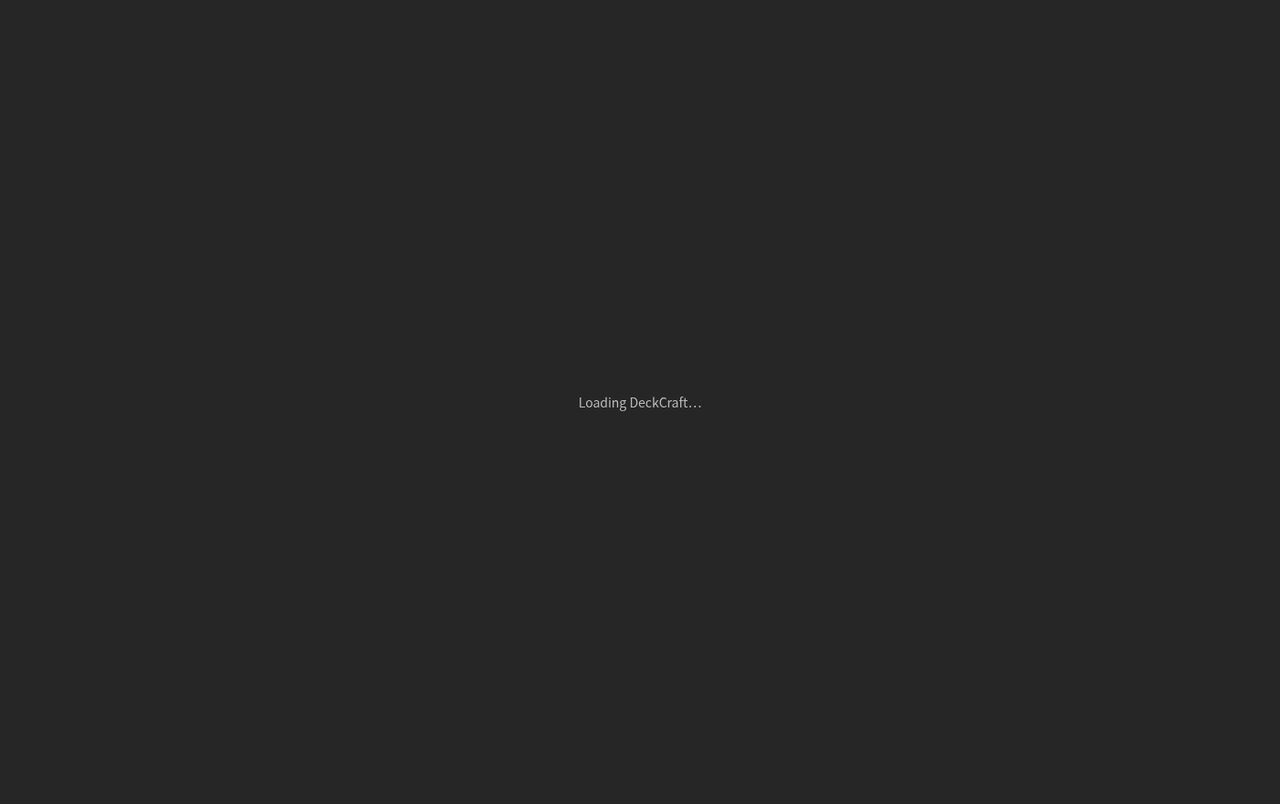
- Stuck on the loading screen after launch: full-screen dark gray with a single 'Loading DeckCraft…' line centered; after 26 seconds it still had not entered the editor
- The console captured 1 JS error (pageerror) — so this is not just 'slow'; an error occurred during load
- No canvas rendered (in contrast: the other 9 tools all entered their full workspaces within 26 seconds under the same conditions)
- wasm measured at 29 MiB (~11 MiB gzipped) — not small, but size alone does not explain the 26-second no-UI situation
- ⚠️ This verdict reflects this round of testing + the current version; results may differ on other browsers/OS; the desktop build was not tested
Why we record this: a directory site's value is not only 'telling you which tools are good', but also warning you in advance which ones to avoid right now. The other 9 tools from the same vendor all launched under the same conditions; only this one stayed stuck — the problem is most likely in the tool itself, not the environment.
Best for
- Anyone who wants to try the free open-source PPT alternative — v0.14.1 fixed the loading issue; can be tried online directly.
Not for
- Presentation tasks under deadline pressure (use PowerPoint / WPS / Google Slides instead).
Similar alternatives
How to get started
- Click "Use online" above — it runs in your browser, no signup required.
- Run the full workflow (open → edit → export) on a throwaway file first, to confirm format compatibility.
- Once you accept its limits, migrate your daily workflow; keep the original software as a fallback for critical deliverables.