DeckCraft Review: The v0.9.0 Loading Bug Is Fixed in v0.14.1
A PowerPoint rival. Slide layout, masters, and slideshow playback.
How it compares with Microsoft PowerPoint: see the item-by-item comparison →
Independent third-party directory, not the official site. Always download from official channels.
What you're doing: Build a slide deck / a presentation for a meeting
DeckCraft's job is making presentations. The v0.9.0 web build stalled on the loading screen in our 2026-10-21 test; v0.14.1 fixed it (updated and verified on 2026-11-03) — you can try it online now.
| Test result | It stops on the loading screen: the only thing on screen is “Loading DeckCraft…”, and 26 seconds later it still had not reached the editor; the console showed one JS error |
|---|---|
| Can you skip installing it? | There is an official web build, but in this round it failed to load; we did not test the desktop build |
| Can you use it online? | The upstream bug was fixed in v0.14.1. We updated to v0.14.1 and uploaded it to R2 on 2026-11-03 — usable online. |
- First rule out an environment problem: try another browser (latest Chrome / Edge), disable ad and script blockers, hard-refresh (Ctrl+Shift+R), and retry
- If it is still frozen on “Loading DeckCraft…”, open DevTools (F12) and check the console for red errors—then file that error line plus a screenshot upstream
- Need a deck now: use PowerPoint / WPS / Google Slides; for a free local option, see whether its sibling DesignCraft (page layout) covers your needs
- Come back after the upstream fix; you can also watch its update date (the ArtCraft Launcher page shows version and last-updated at a glance)
When to switch to something else: If you need a deck urgently, go straight to PowerPoint / WPS / Google Slides. DeckCraft is still at the stage where even opening reliably is a matter of luck, so it is not ready to be a delivery tool.
Hands-on test (2026-10-21, official web build v0.9.0)
Hands-on test of the official web build (local Ubuntu + deckcraft-web-0.9.0.zip, opened in a browser, zero installation): the result is a fail, recorded here as-is.
- It stops on the loading screen: the whole screen is dark gray with a single line, “Loading DeckCraft…”, in the middle; after 26 seconds it still had not reached the editor
- The console caught one JS error (pageerror)—so this is not just “slow”, the load is failing
- No canvas content ever appeared (for comparison, the other nine tools we tested all reached a full workspace within 26 seconds under the same conditions)
- The wasm measured 29 MiB (about 11 MiB gzipped)—a large download, but not large enough to explain 26 seconds with no UI
- ⚠️ This conclusion covers this environment and this version only; another browser or OS may behave differently, and we did not test the desktop build
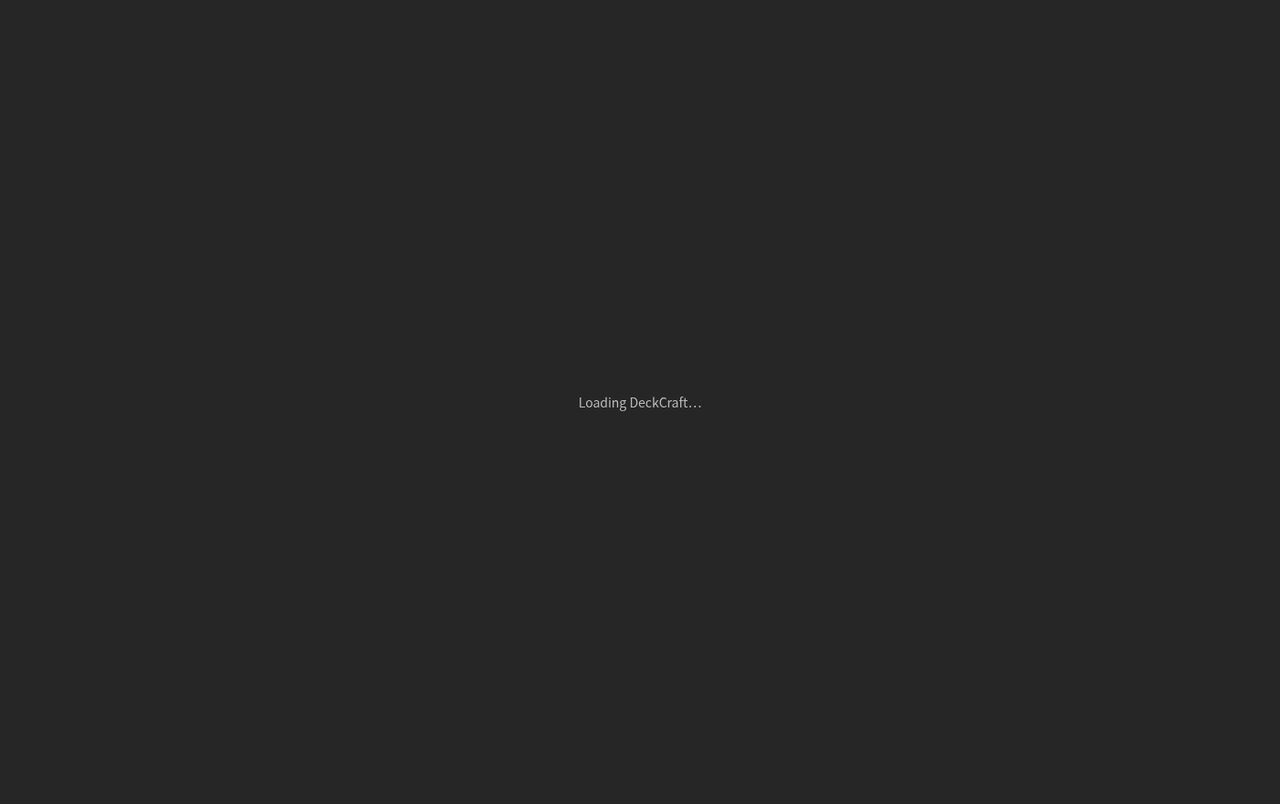
Official DeckCraft v0.9.0 web build: still stuck at “Loading DeckCraft…” after a 26-second wait (screenshot from our test, 2026-10-21).
Why this page is worth writing: the value of a directory is not just “here is what works well”—it is telling you what to avoid right now. The other nine tools in the family all ran under the same conditions; only this one is stuck on the loading screen, which suggests the problem is most likely in the app, not the environment.
Bottom line: This round fails: the web build never reached the editor. If you need presentation software today, pick something else.
Can it replace Microsoft PowerPoint — and who is it for?
Positioning-wise it targets PowerPoint; maturity is “in development.” The loading bug that stalled the v0.9.0 build (our 2026-10-21 test) is fixed in v0.14.1.
- Good for: trying a free open-source PPT alternative — the v0.14.1 loading bug is fixed and it launches normally.
- Not for: any presentation with a deadline (use PowerPoint / WPS / Google Slides for now).
How to get started
- First check whether it opens on your machine: open the web build in the latest Chrome, wait at least 60 seconds, and open F12 to see whether the console shows red errors.
- If it hangs the same way: file “version + browser version + a screenshot of the console error” upstream (that is the most useful feedback you can give).
- Need a deck now: use PowerPoint / WPS / Google Slides; or check whether DesignCraft on this site meets your layout needs.
- Come back after the fix; the ArtCraft Launcher page lists each tool's version and update date, so you can tell whether it has been fixed.
Star count and version on this page were checked against GitHub on 2026-10-21; the test conclusion covers this environment and this version only.
Related apps
- DesignCraft — InDesign alternative
- WordCraft — Word alternative (tested on this site)
- GridCraft — Excel alternative

Continuously updated
ArtCraft ships weekly. Scan the QR code to follow our WeChat account for release notes and hands-on updates.